Tourist+ Workflow
In this workflow, you will sign up for EdgeFirst Studio, log in, and browse the public datasets and models available in the platform.
Once you've signed up for EdgeFirst Studio, you can log in to begin.
Verification Email
If you log in but your credentials are not accepted, you may not have clicked the "Verify Email" link in the email. Please confirm you have done this.
-
When logging in, enter your username and password you specified. Next click the "Sign In" button to sign in.
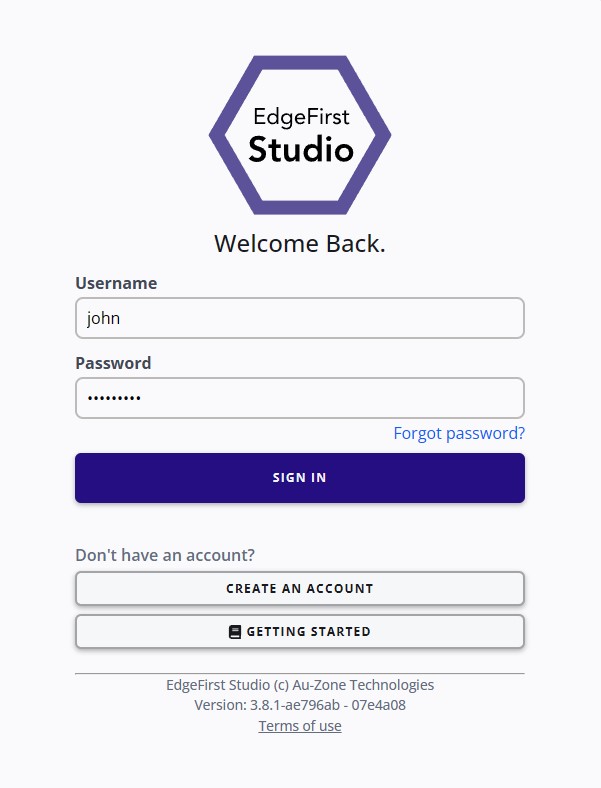
Login Page -
Once logged in to EdgeFirst Studio, you will be greeted with the following User Home Page. Click that link for more information regarding the User Home Page.
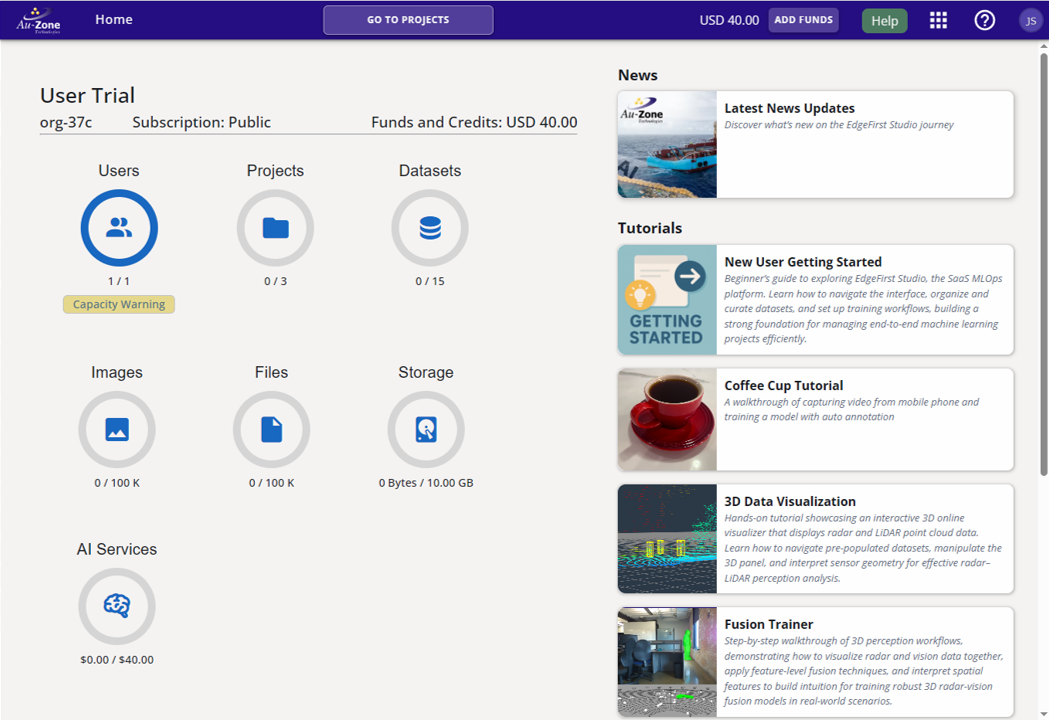
Starting Page
Browse Public Datasets
Once logged in, navigate to the Sample Project from the Home Page and click on the datasets.
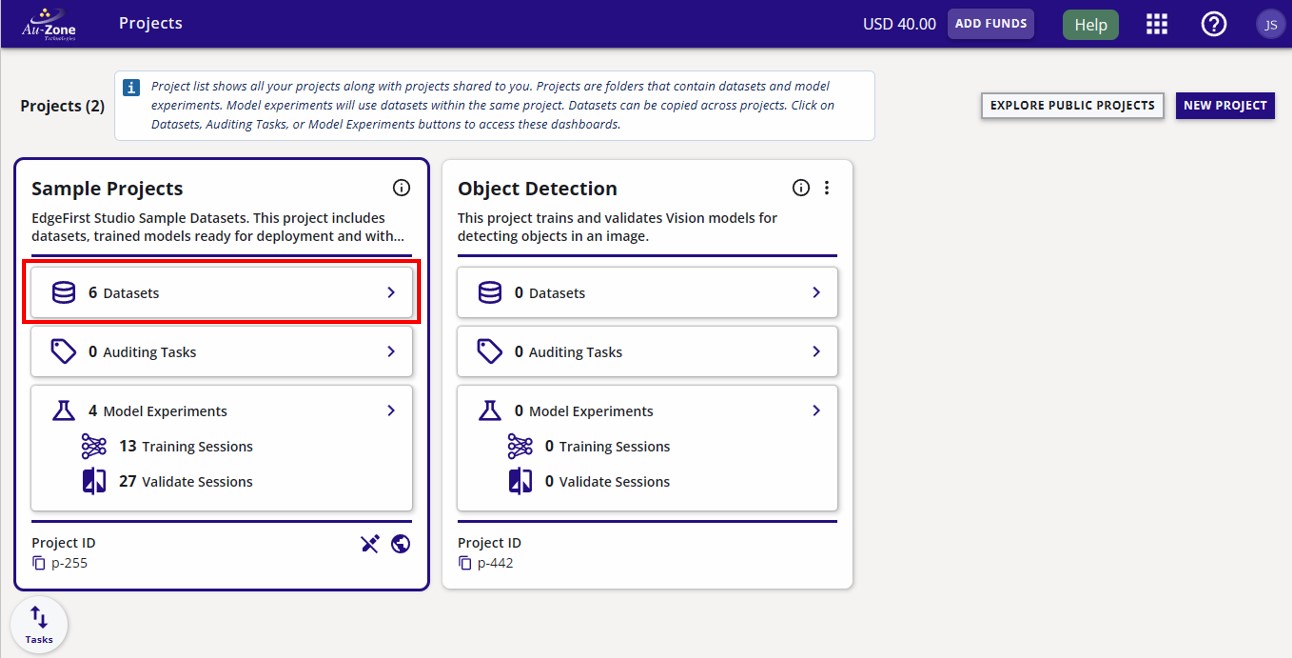
You will find sample datasets which contains annotations of objects representing common household items from Coffee Cups to Playing Cards. These datasets are ready to be used for training models to detect these objects.
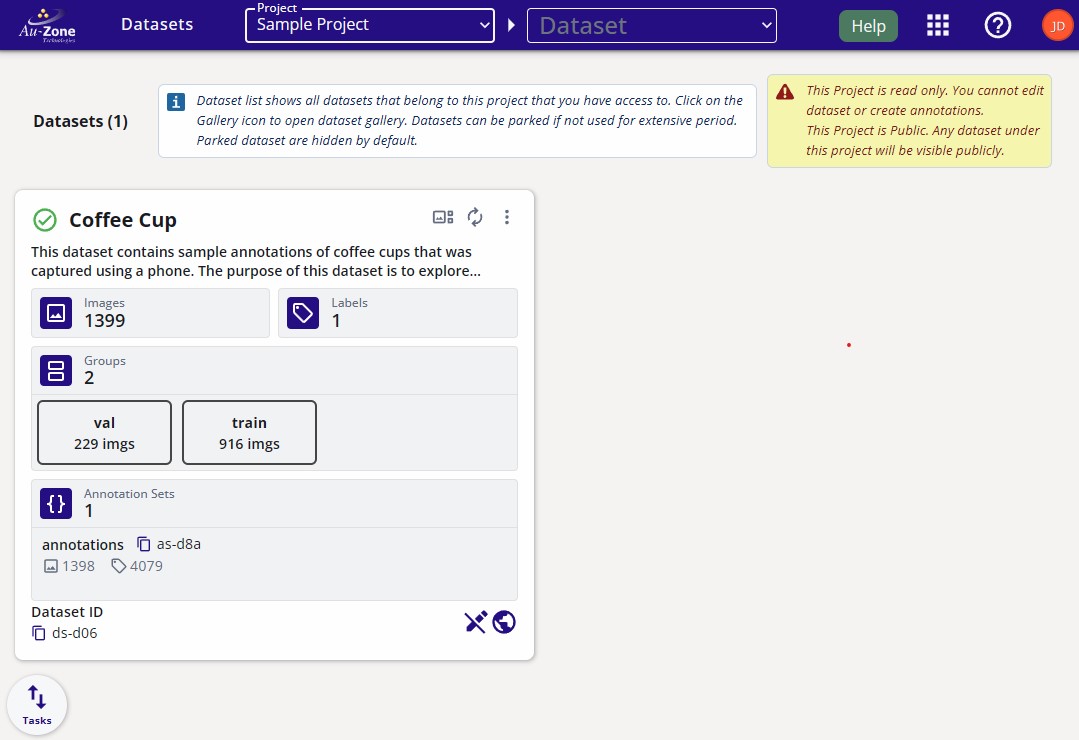
Click on any dataset card to view the dataset details, browse frames, and inspect annotations. No copying is required to explore a public dataset.
Browse Public Experiments
EdgeFirst Studio organizes model training and validation into experiments. Each experiment groups related training and validation sessions together so you can compare results, track improvements, and reproduce runs.
From the Home Page, navigate to the Sample Project and click Model Experiments to browse the available experiments.
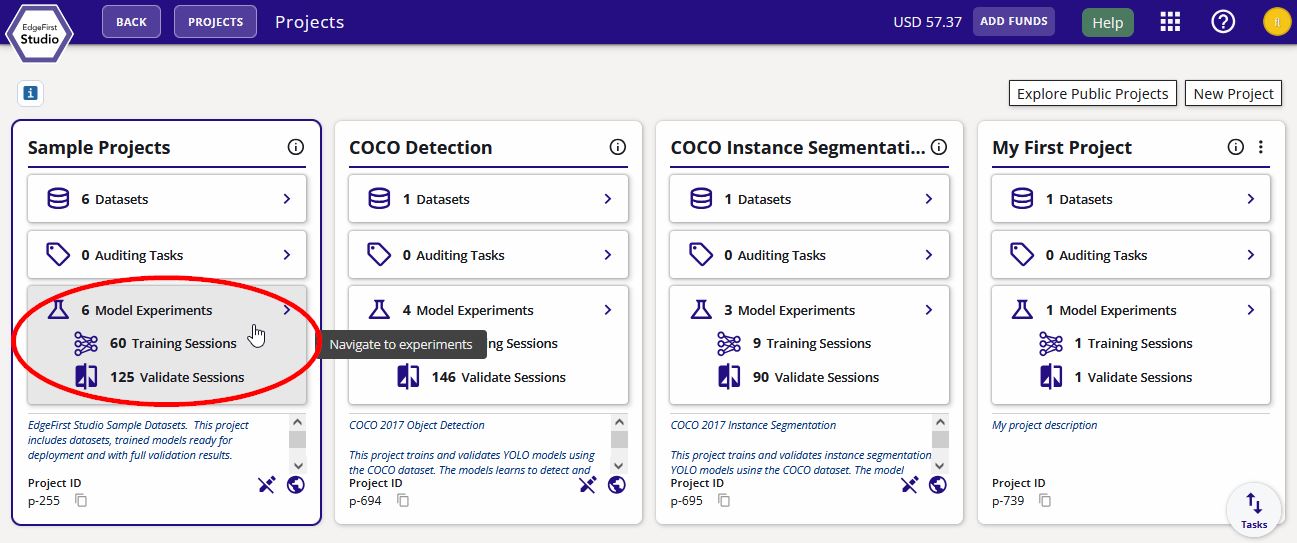
Inside an experiment you will find:
- Training sessions — each session records the model architecture, dataset used, training parameters, loss curves, and the resulting model artifacts (ONNX, TFLite, etc.)
- Validation sessions — each session measures the accuracy of a trained model against a dataset, producing precision-recall curves, mAP scores, and per-class metrics
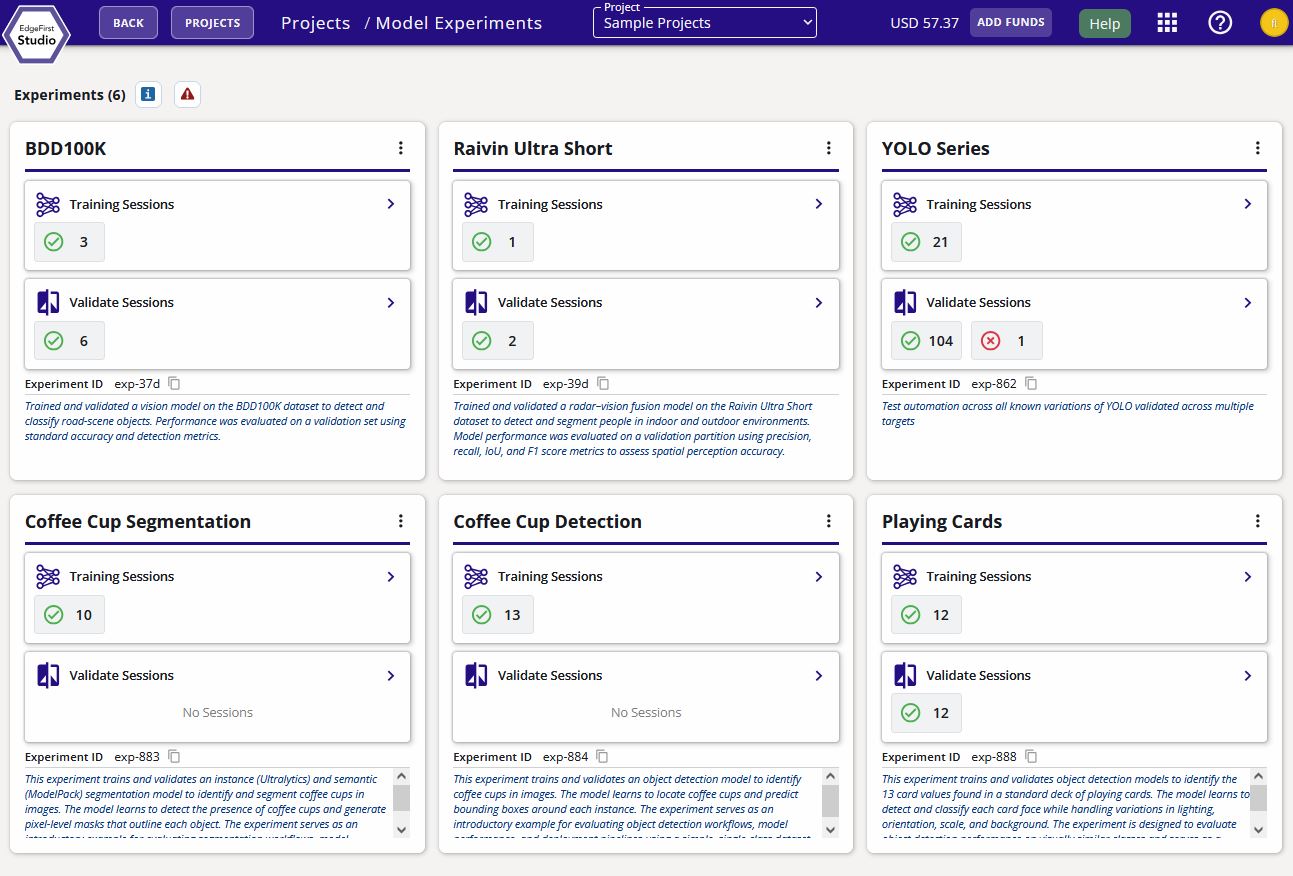
Exploring the sample experiments is a good way to understand what a completed MLOps run looks like before you start training your own models.
Browse Public Models
Navigate to the Models section from any project to browse available models and their associated training and validation sessions.
Next deploy any model in EdgeFirst Studio by following this guide.
Ready to go further?
To copy a sample dataset and train your own model, follow the Profiler+ Workflow or the Web Workflow.