Getting Started
Welcome to EdgeFirst Studio — the end-to-end MLOps platform for building, training, and deploying AI models on edge hardware. This Quick Start walks you through everything from creating your account to deploying a trained model on your target device.
Is EdgeFirst Studio right for you?
Not sure if Studio fits your workflow? The Tourist Workflow gives an overview of what EdgeFirst Studio offers — no account required to explore.
New
EdgeFirst Profiler
Run your trained models directly on target hardware and get per-image accuracy metrics, latency breakdowns, and timing traces — all published back to EdgeFirst Studio automatically.
Start by creating your EdgeFirst Studio account. If you already have an account, skip ahead to Login.
Free Credits
New accounts receive $50 USD in free credits upon sign-up, plus $15 USD in free credits every month. No credit card required to get started.
Sign Up
-
If you haven't already created an EdgeFirst Studio Account, start by creating an account. If you've already created an account, but you forget your password, click on the link for instructions to reset your password.
-
When creating your account, enter the required fields denoted by the asterisk (*) and then create your account once completed.
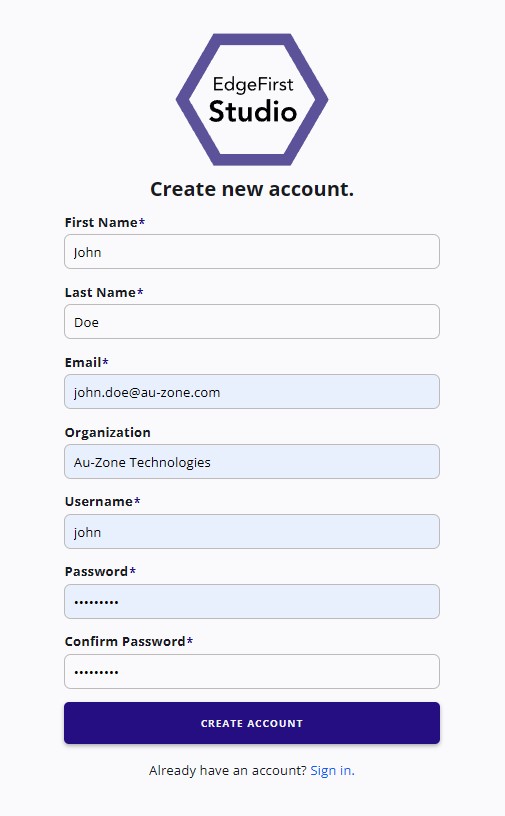
Create a New Account -
An email will be sent to verify the email you provided. Go ahead and click on "Verify Email" to verify your email.
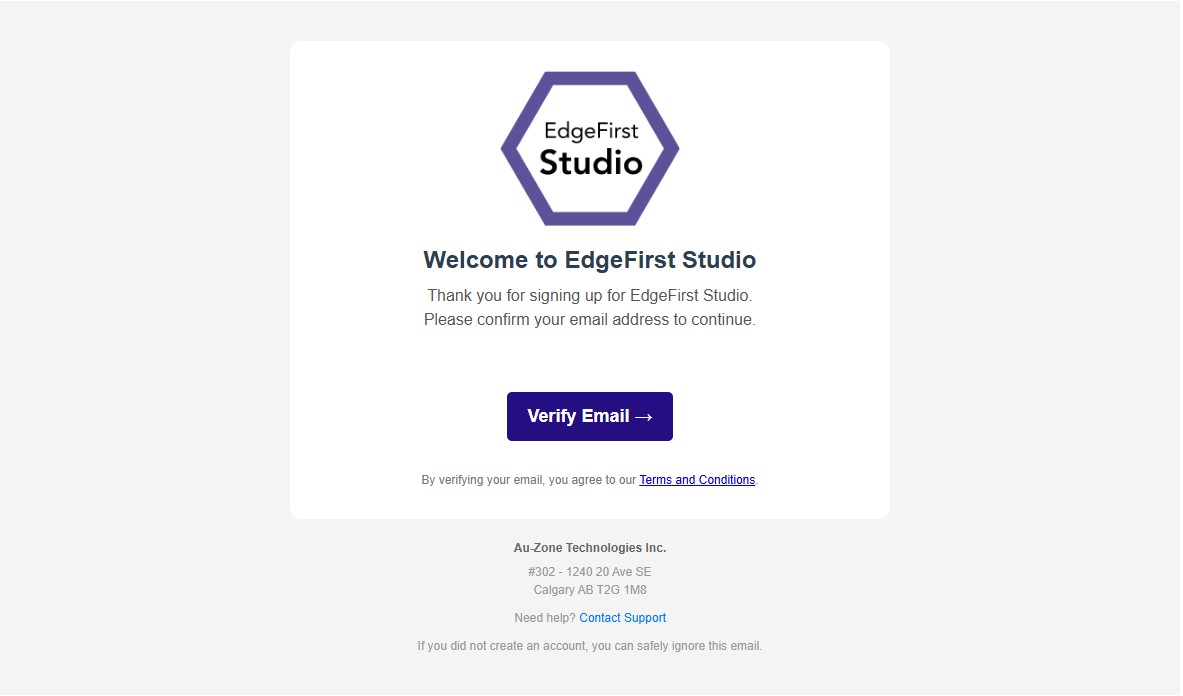
Email Verification -
Once the email is verified, you can now login to EdgeFirst Studio.
Tutorials & Guides
New to EdgeFirst Studio or looking for a specific how-to? These guides walk you through the platform step by step.
-
Dataset Tutorials
Capture, import, annotate, and manage datasets in EdgeFirst Studio.
-
Annotations
Auto-annotate with AGTG or make manual 2D/3D corrections.
-
Model Training
Train Vision and Fusion models from your annotated datasets.
-
Profiler
Run models on target hardware and publish accuracy and timing metrics.
-
User Workflows
Find the workflow that matches your hardware and goals.
-
Platform Quick Starts
Set up and deploy on Maivin, Raivin, i.MX, Jetson, and more.
Need Help?
📬 Have questions or ran into an issue?
Feel free to email our support team — we're here to help!