Create Project
The creation of projects is the single most important step a user needs to do before using the functionality provided by EdgeFirst Studio. Projects are workspaces that users can use to separate their datasets and keep the various model experiments -- training and validation sessions -- separate and linked to their respective datasets.
-
Click the "PROJECTS" button shown on the top navbar as highlighted below.
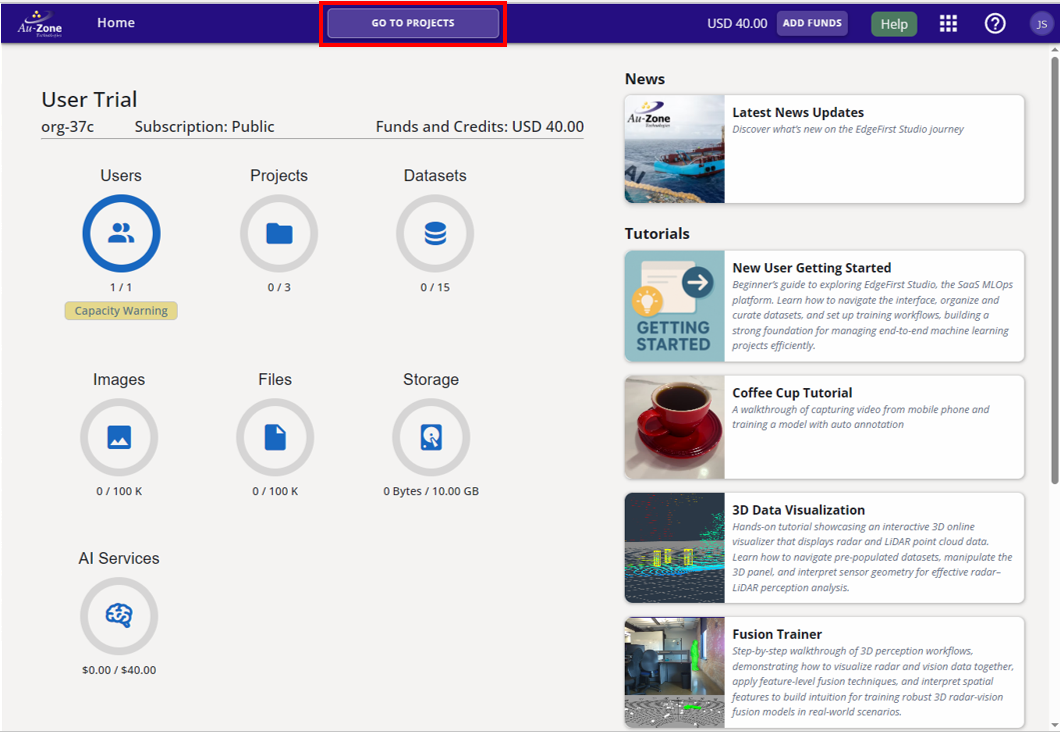
Go To Projects -
Create your project by clicking the "New Project" button on the top-right corner of the page.
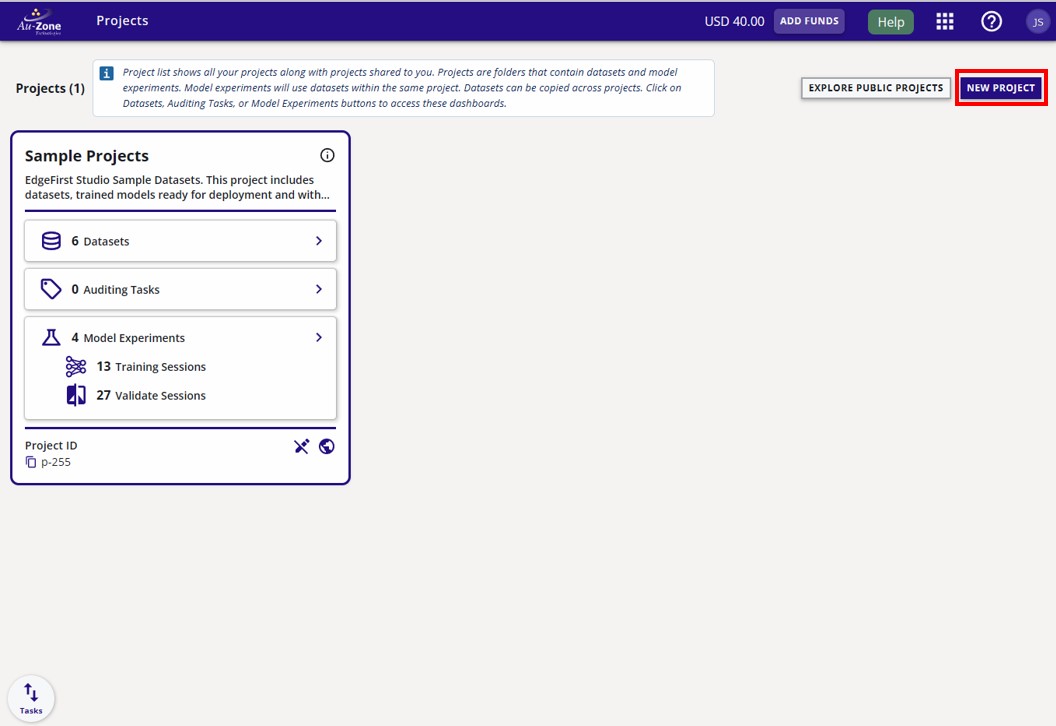
Create Project -
Provide a name and description of the project and then click "Create" to create your project.
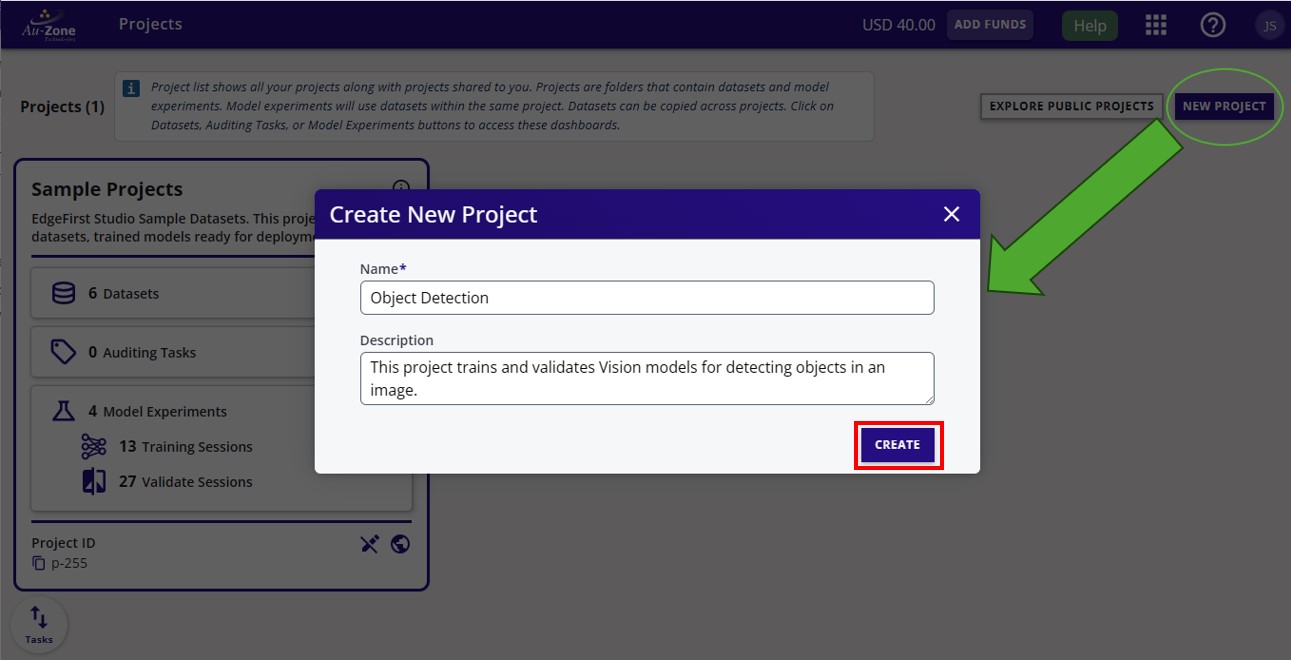
Project Details -
Your created project will now appear in the page.
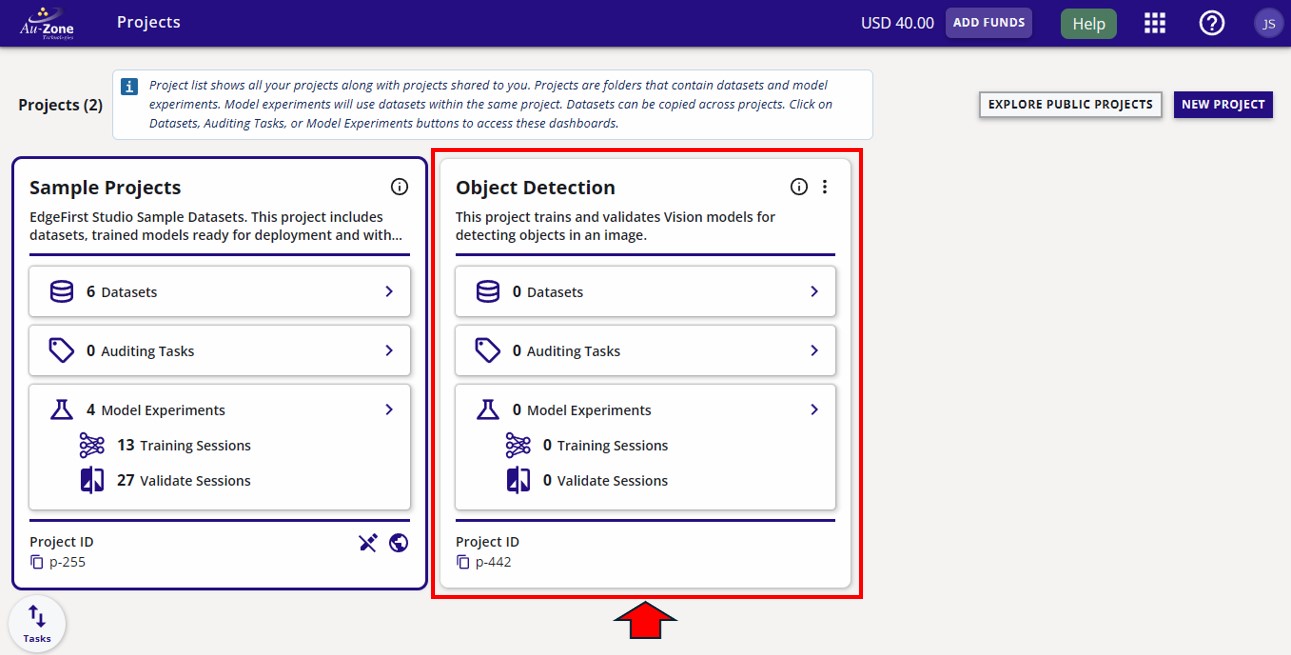
New Project
The next sections will invite you to follow along the end-to-end workflow that demonstrates:
- copying a public dataset,
- exploring the images and annotations of the copied dataset,
- training a model based on the copied dataset,
- validating the trained model, and
- deploying the model on the PC.
This workflow requires only a PC. There are other workflows that support different hardware requirements. If you would like to bring in your own dataset with images captured from your phone, follow the Web Workflow.