Foxglove with 4K
This document introduces an example Foxglove Studio layout displaying the 4 video tiling streams generated by the Camera service. For more information about EdgeFirst Perception Middleware integration with Foxglove, read the Foxglove Studio introduction.
Recording the 4K Topics
The Recording Service records every published topic by default, including the four tile topics once tiling is enabled. If the recorder was configured with an explicit topic list, the tile topics must be added manually before recording the 4K streams.
Foxglove Studios
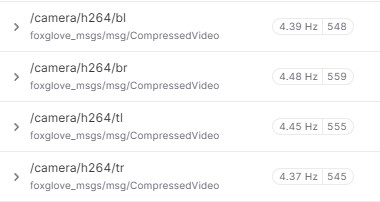
Once the 4K topics are recorded and the MCAP file downloaded, once the MCAP file is loaded into Foxglove Studio, the four topics appear as standard video topics.
Manually creating a layout to reproduce the tiling format is straight-forward and should look as follows:
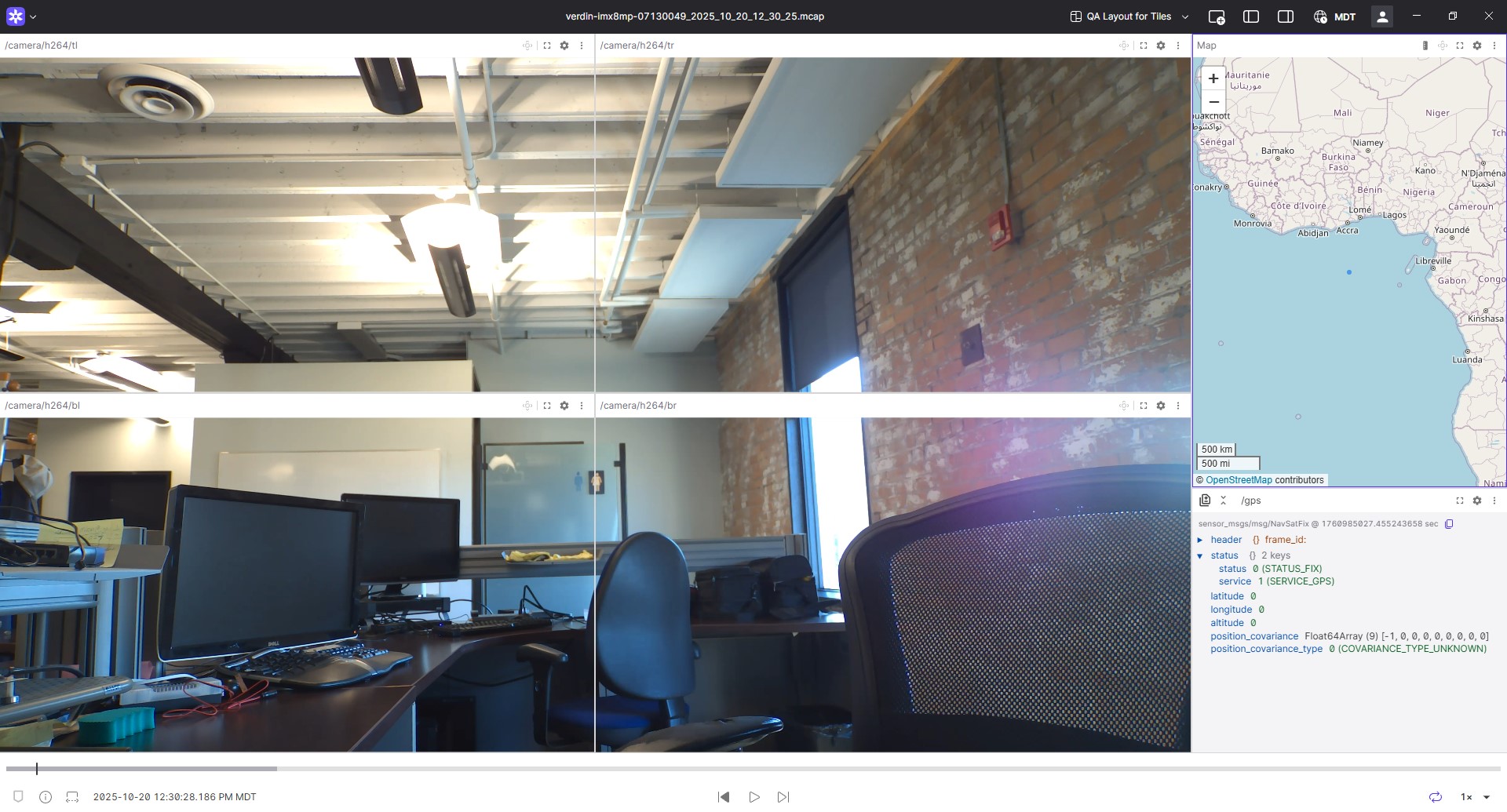
A sample layout is available here.