Train Vision Model
Now that your dataset is fully annotated, versioned, and split into training and validation partitions, you are ready to begin training your model. This will briefly show the steps for training a model, but for an in depth tutorial, please see Training Vision Models.
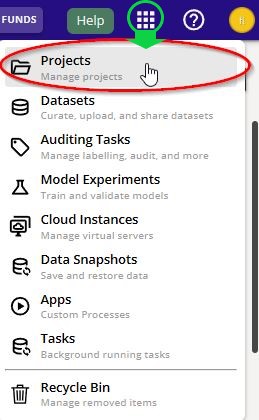
Navigate back to the "Projects" page. You can go back to the "Projects" page by clicking the Apps Menu waffle button on the top right of the Navigation bar. Click the first selection to take you to the "Projects page".
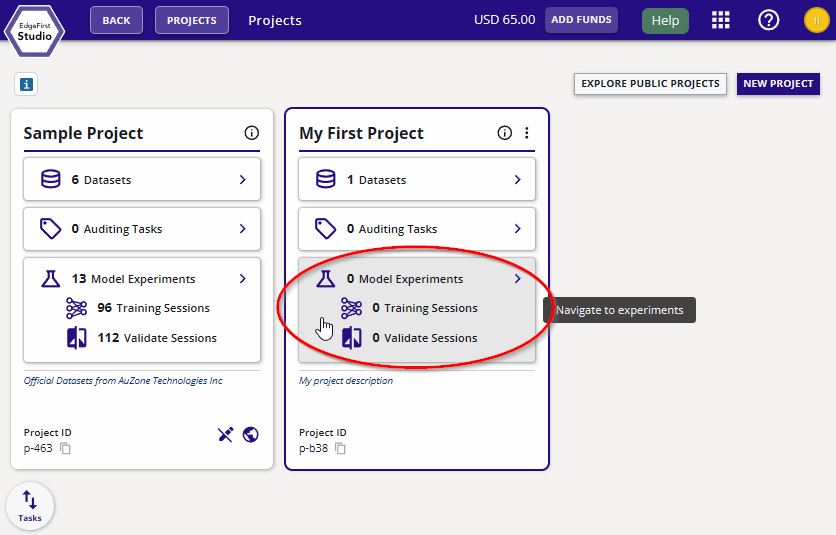
From the "Projects" page, click on "Model Experiments" of your project.
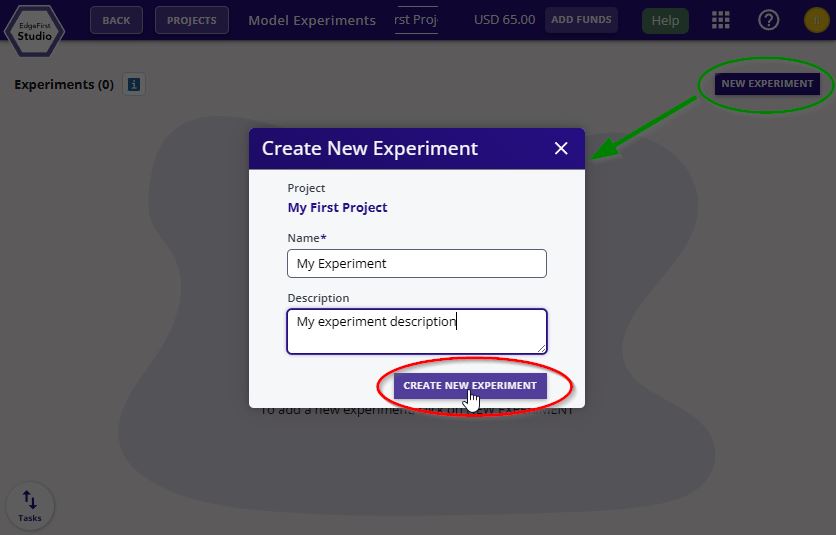
Create a new experiment by clicking "New Experiment" on the top right corner. Enter the name and the description of this experiment. Click "Create New Experiment".
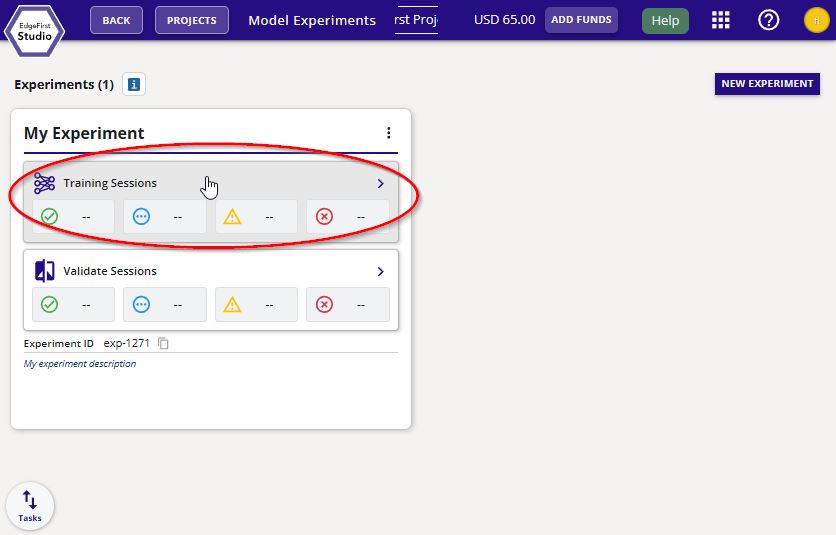
Navigate to the "Training Sessions".
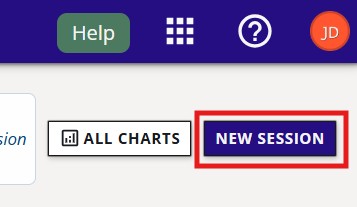
Create a new training session by clicking the "Actions" dropdown menu on the top right of the page and then click the "+ New" button.
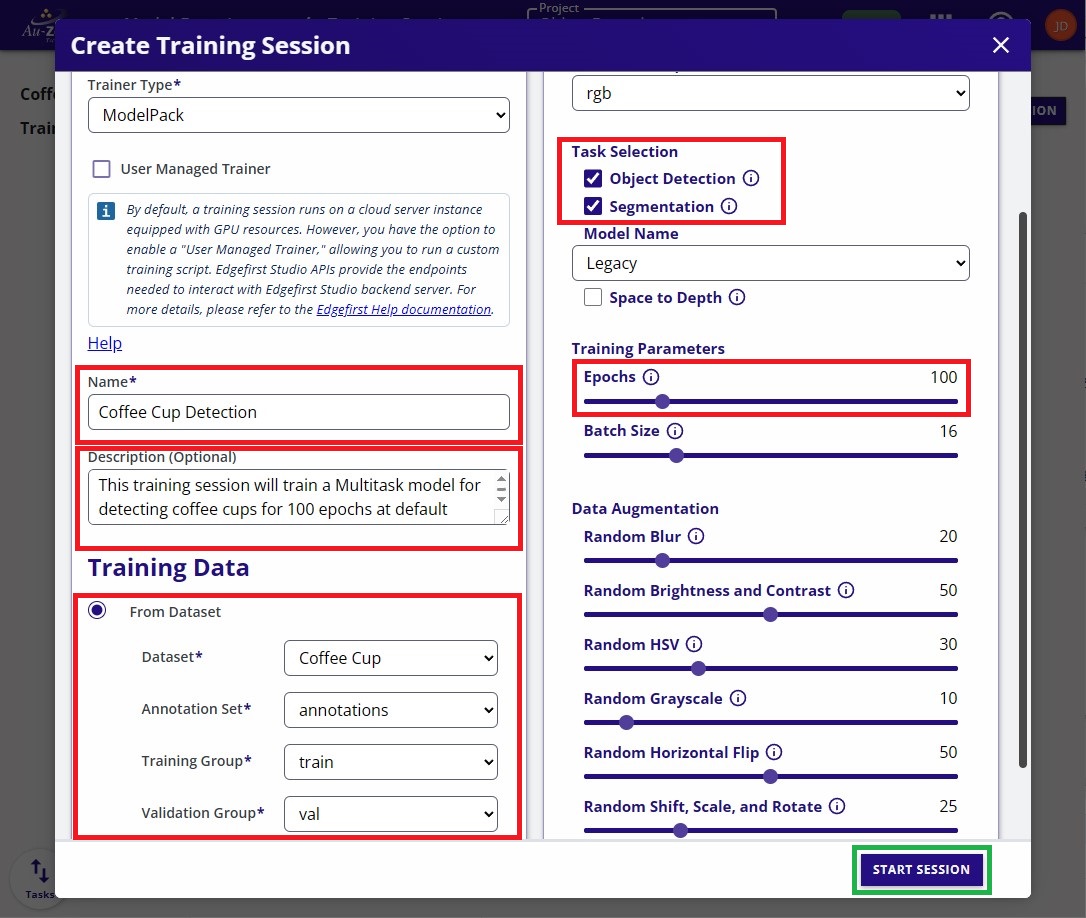
Follow the settings indicated and keep the rest of the settings default. Click "Start Session" to start the training session.
InsufficientInstanceCapacity

If you see this error after starting your training session, retry creating the session. This can happen when AWS reports that no EC2 instances are currently available to launch; the current workaround is to retry.
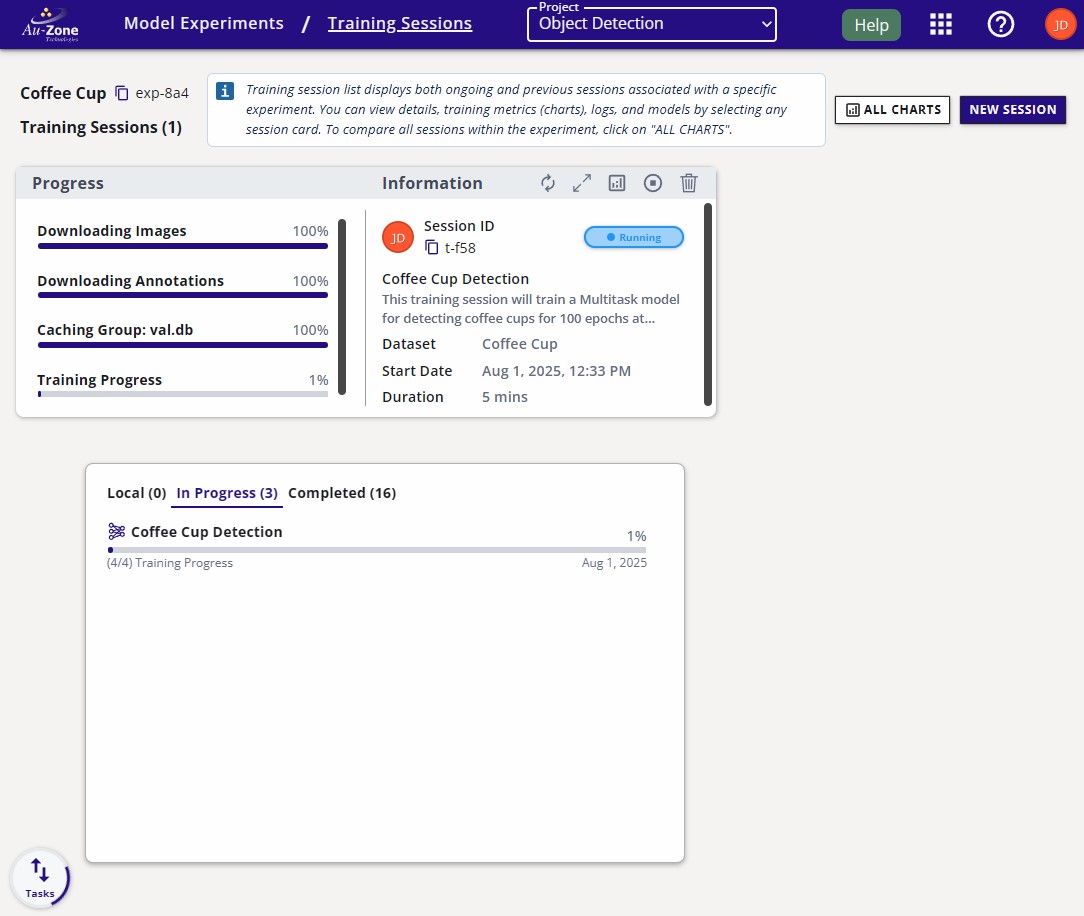
The session progress will be shown like the following below.
Once the session is complete, the session card will appear like the following.
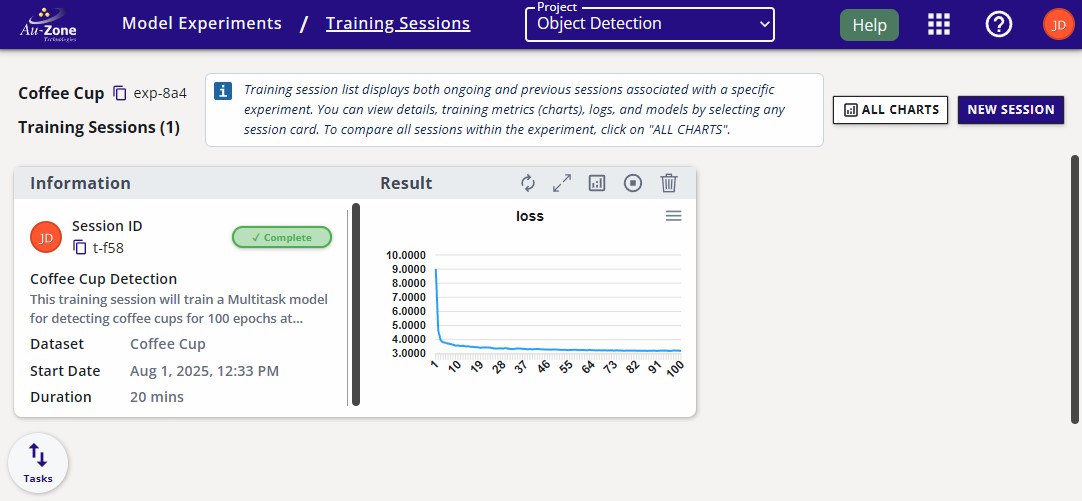
Click the training session card for more information.
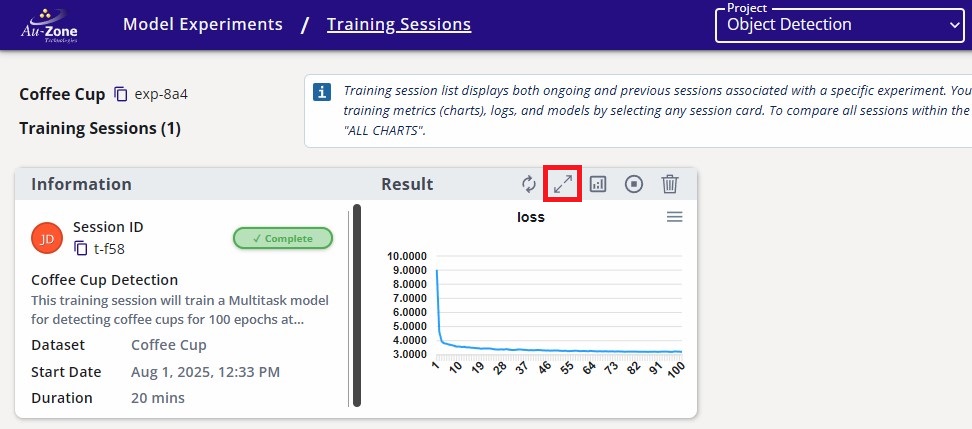
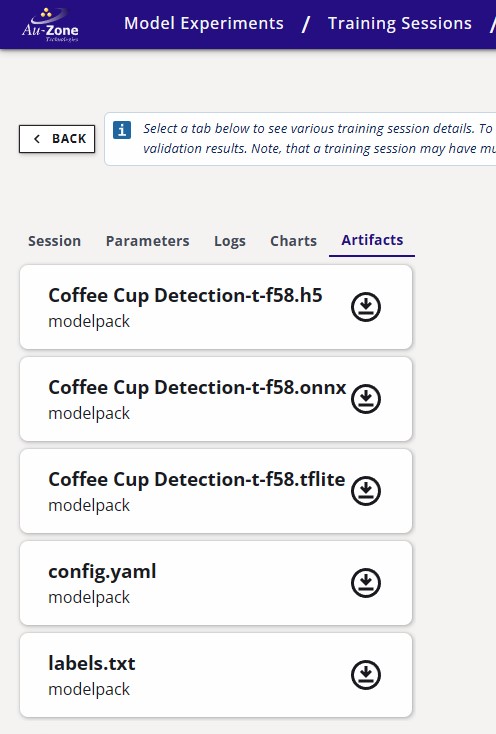
The trained models will be listed under the "Artifacts" tab. The download button next to these artifacts will download the artifacts to your machine.