Deploy the Model
Once you have validated your trained model, you can deploy the model in the browser using EdgeFirst Studio. You can follow these steps either on a PC or a mobile device connected to EdgeFirst Studio in a browser. Please note that the browser will use the camera on your device to run model inference.
ONNX models only
Live browser-based model running only supports ONNX format. To validate or profile models in other formats (TFLite, Neutron, Hailo, TensorRT, etc.) on real hardware, use the EdgeFirst Profiler.
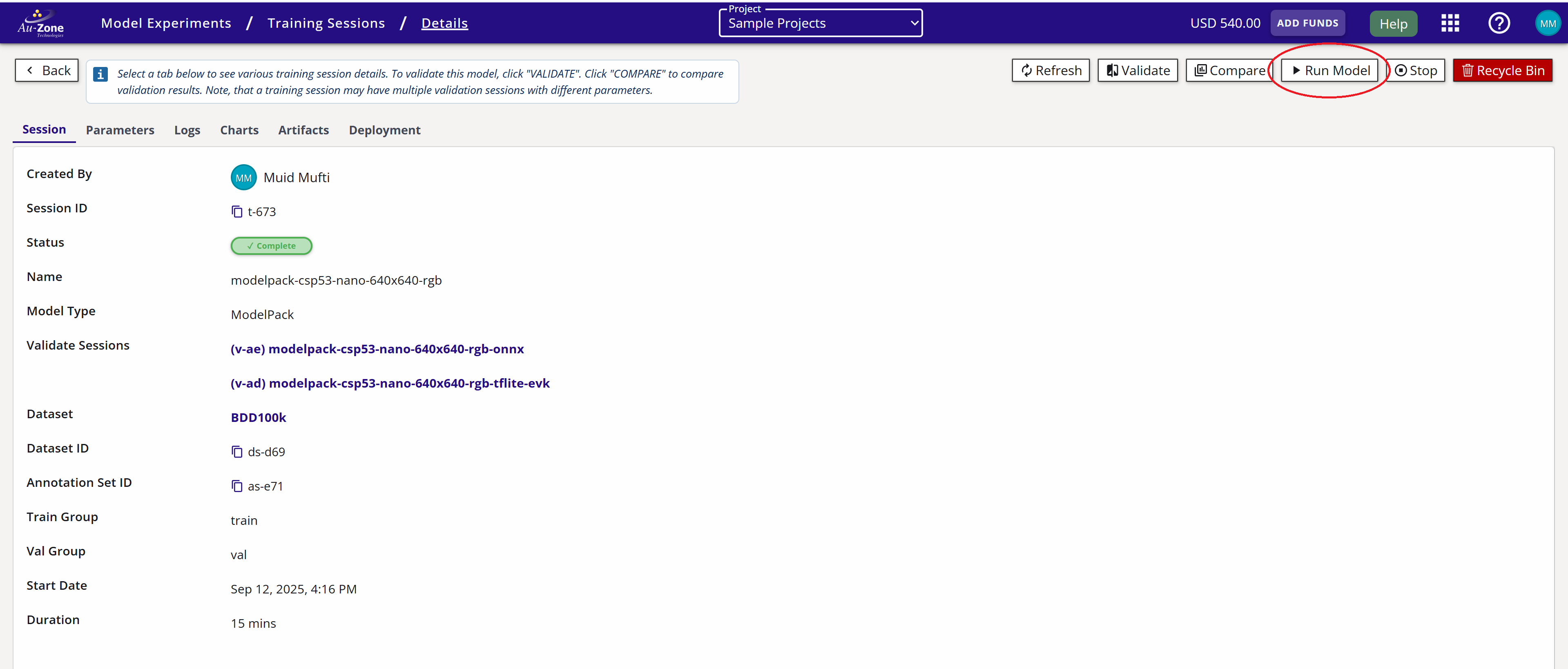
From the training session card, you can run the model for inference by clicking the "Run Model" button on the top right of the page.
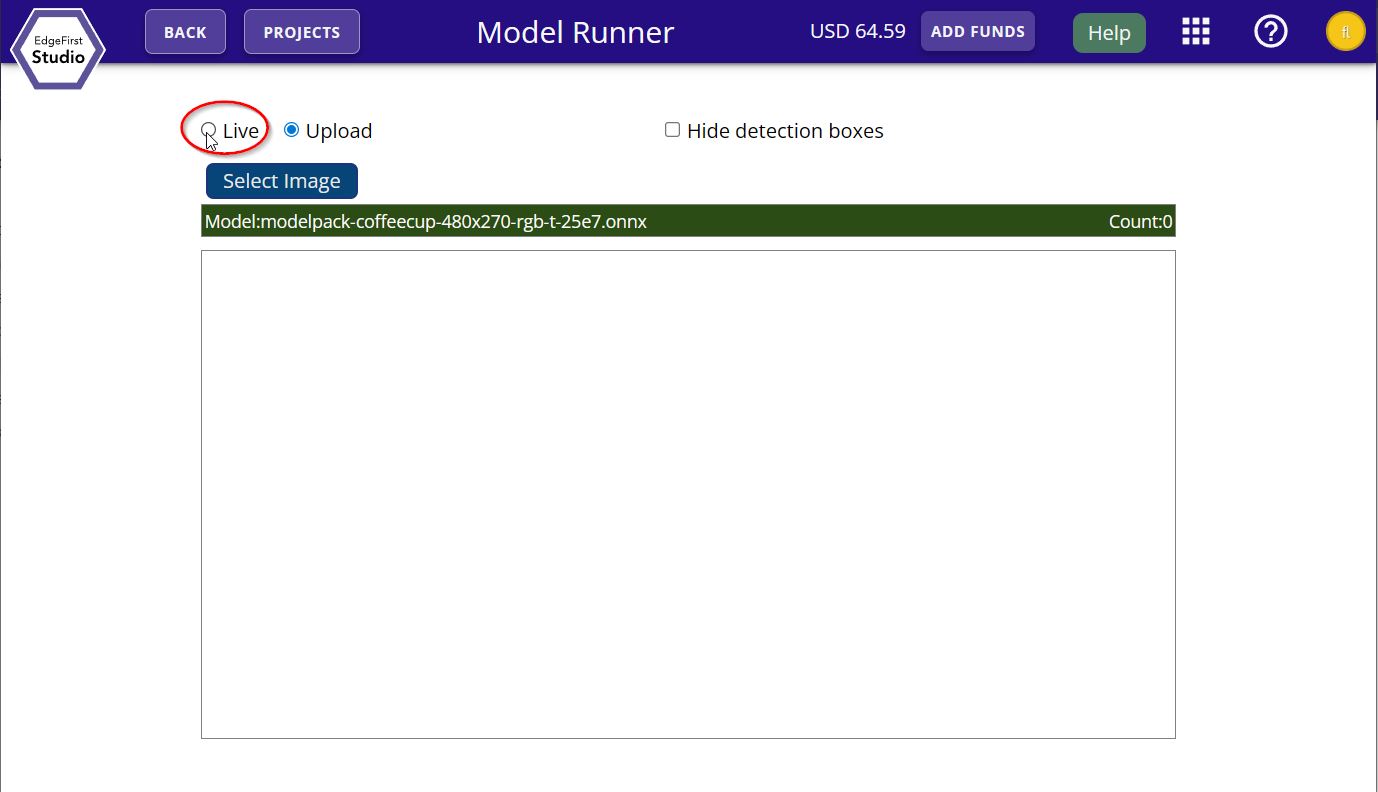
You will be given the option for either live inference or inference from a file upload. Go ahead and demo the live inference feed by clicking the "Live" option.
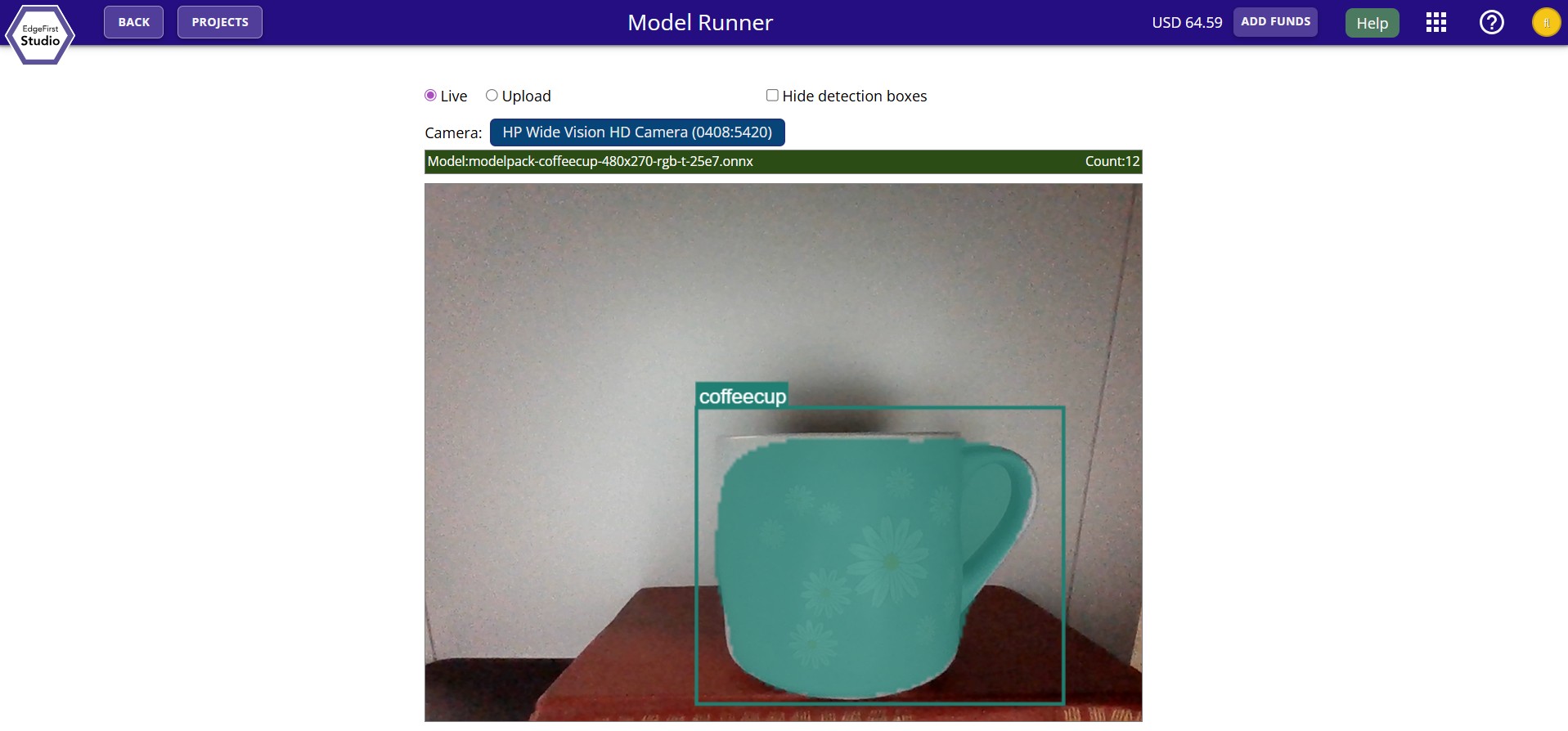
You should now see the live inference feed on your browser running the trained model.
You can also find more examples of deploying the model across different platforms. Here is a checklist of supported devices. We support validation on specific targets and live video inference with links provided below.
| Platform | On Target Validation | Live Video | In Development |
|---|---|---|---|
| EdgeFirst Studio | ✅ | ✅ | |
| PC / Linux | ✅ | ✅ | |
| Mac/MacOS | ✅ | ✅ | |
| Maivin | ✅ | ✅ | ✅ |
| Raivin Fusion | ✅ | ✅ (on target validation) | |
| i.MX 8M Plus EVK | ✅ | ✅ (native runner) | |
| i.MX 95 EVK | ✅ | ✅ (native runner) | |
| NVIDIA Jetson Orin | ✅ | ✅ (native runner) | |
| Raspberry Pi | ✅ | ✅ (native runner) |
Additional Platforms
Certain platforms are still under development and support for platforms beyond these listed will be available soon. Let us know which platform you'd like to see supported next!
In this Quick Start guide, you have created your EdgeFirst Studio account, logged in to EdgeFirst Studio, and created your very first project and ran your first experiment by copying a sample dataset and trained and validated a Vision model using the copied dataset. Finally you explored several options for deploying your trained model in different hardware platforms.
Next Steps
Now that you have reached the end of the Quick Start guide, learn more about EdgeFirst Studio. Ready for more advanced end-to-end workflows? Follow along the User Workflows that are tailored towards various hardware requirements and resources available to the user.