Deploying in EdgeFirst Studio
After training a Vision model in EdgeFirst Studio, you can deploy the ONNX model on any device connected to a browser with access to a camera (for example, your phone or your PC). This guide will show you the steps for deploying the model using EdgeFirst Studio.
ONNX models only
Live browser-based model running only supports ONNX format. To validate or profile models in other formats (TFLite, Neutron, Hailo, TensorRT, etc.) on real hardware, use the EdgeFirst Profiler.
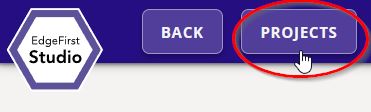
Navigate to the training session you wish to deploy by going back to the "Projects" page by clicking the "Projects" button at the top left of the page.
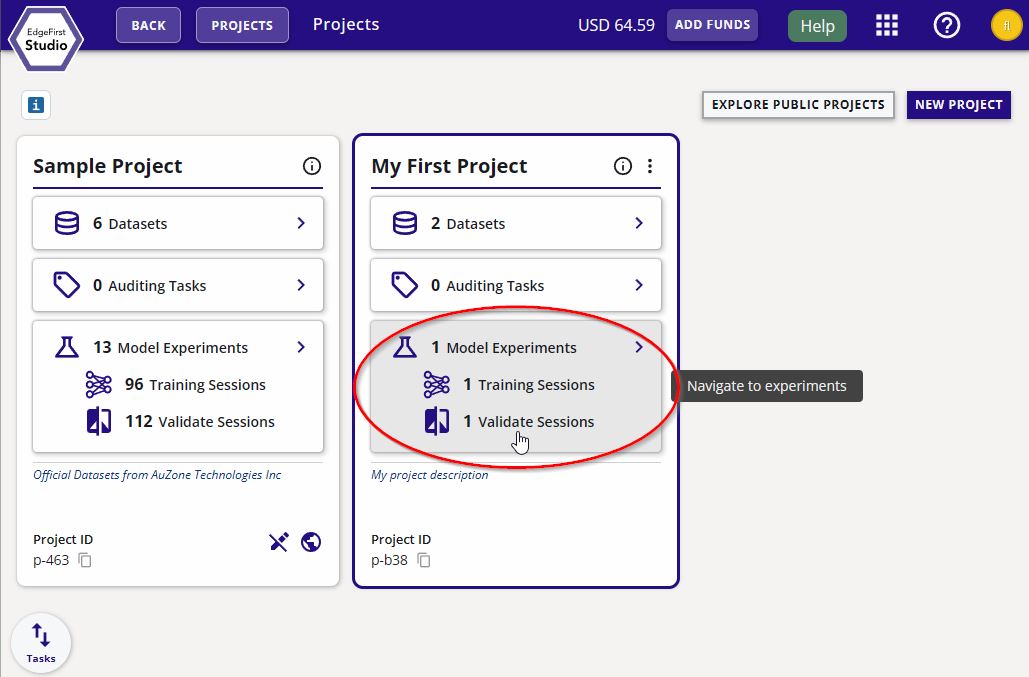
Click on the model experiments of your project.
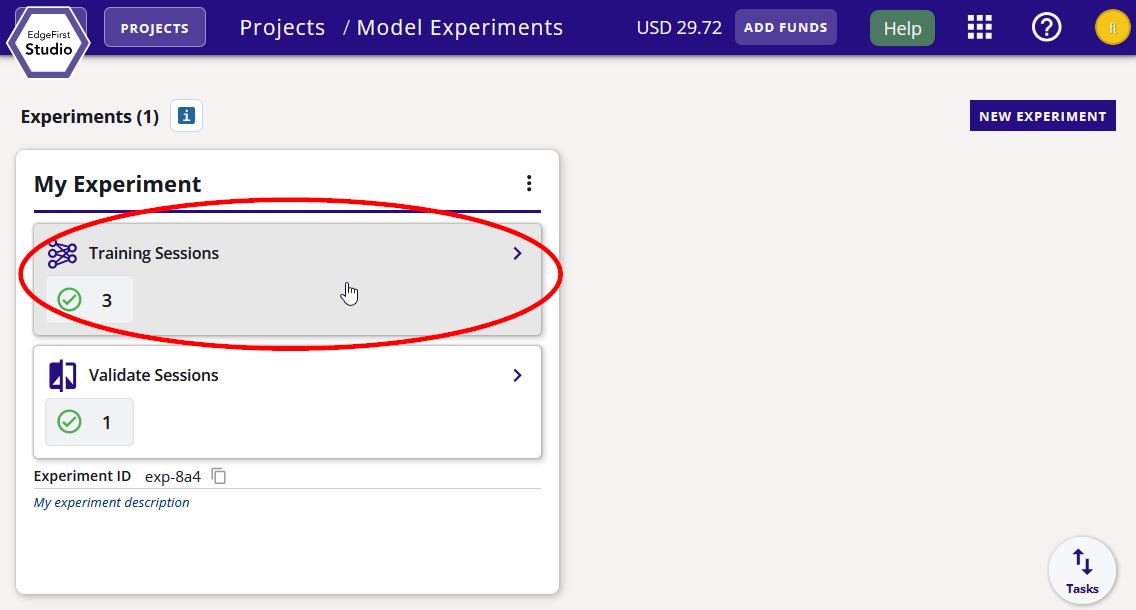
Click on the training sessions of your experiment.
Click on the selected training session.
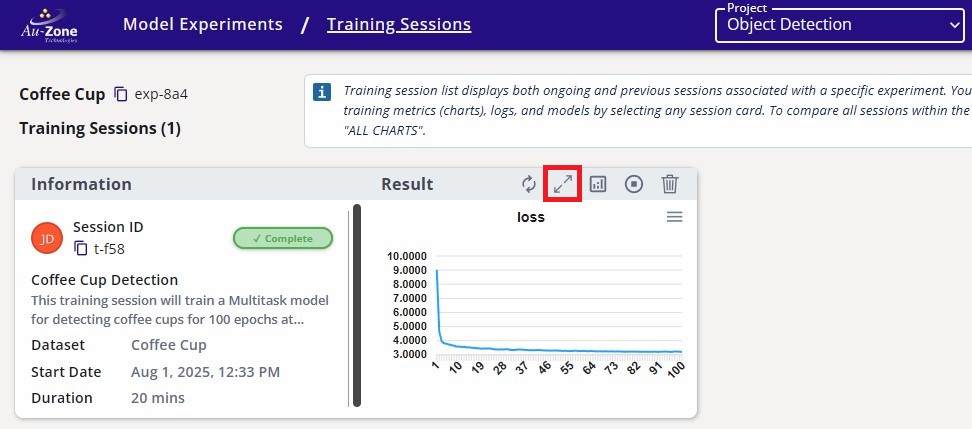
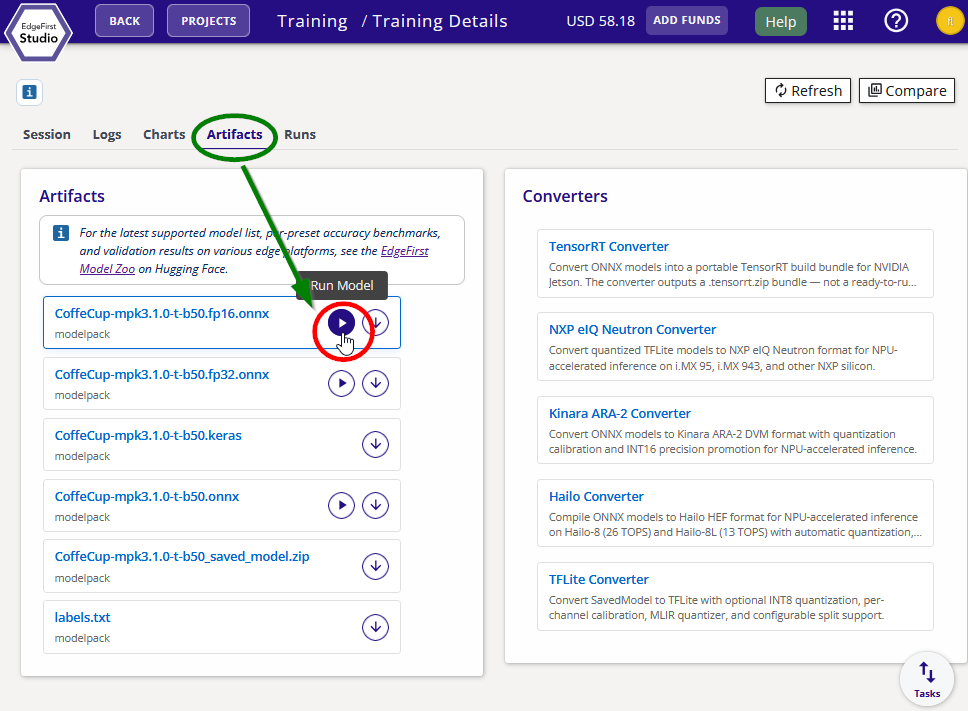
Click the "Run Model" button on the top right of the page.
Live Inference
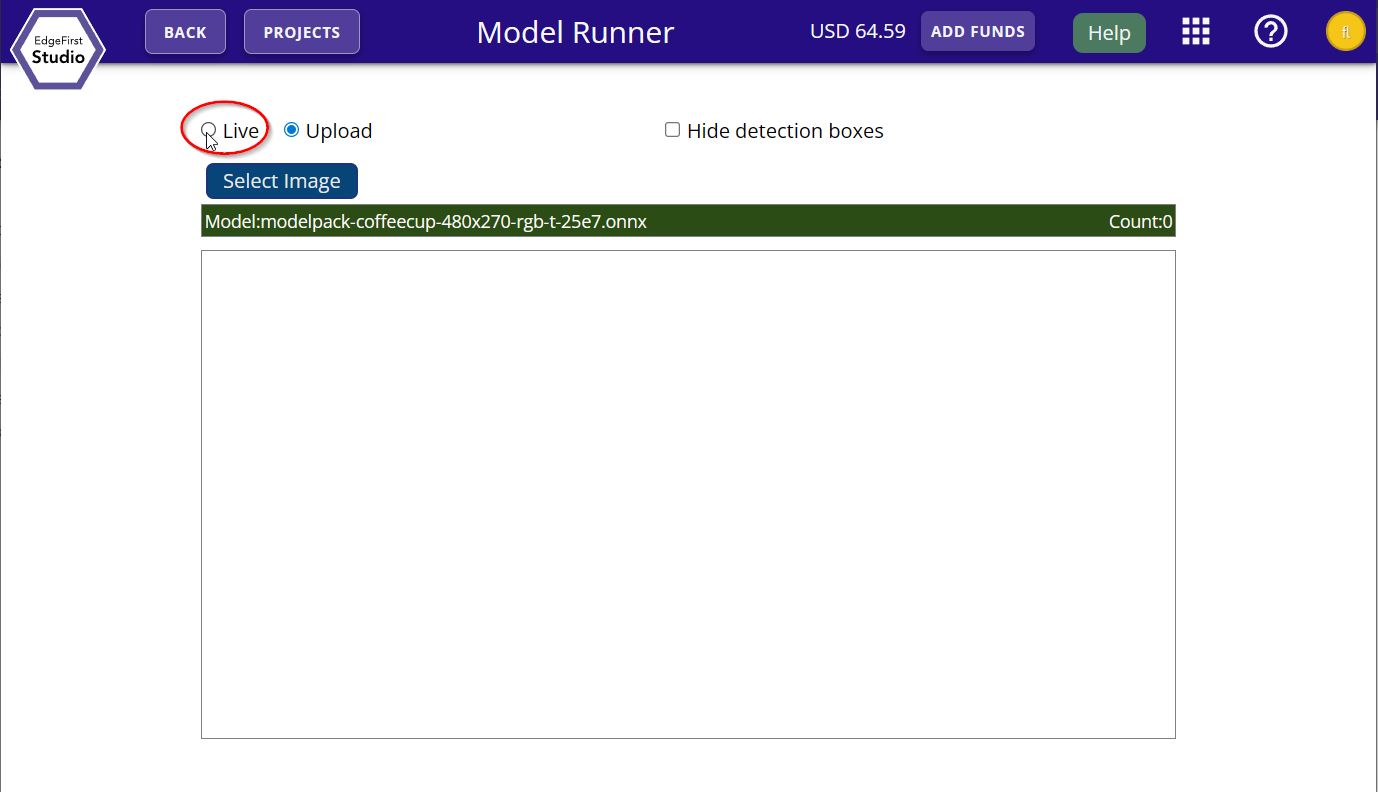
You will be given the option for either live inference or inference from a file upload. Go ahead and demo the live inference feed by clicking the "Live" option.
You should now see the live inference feed on your browser running the trained model.
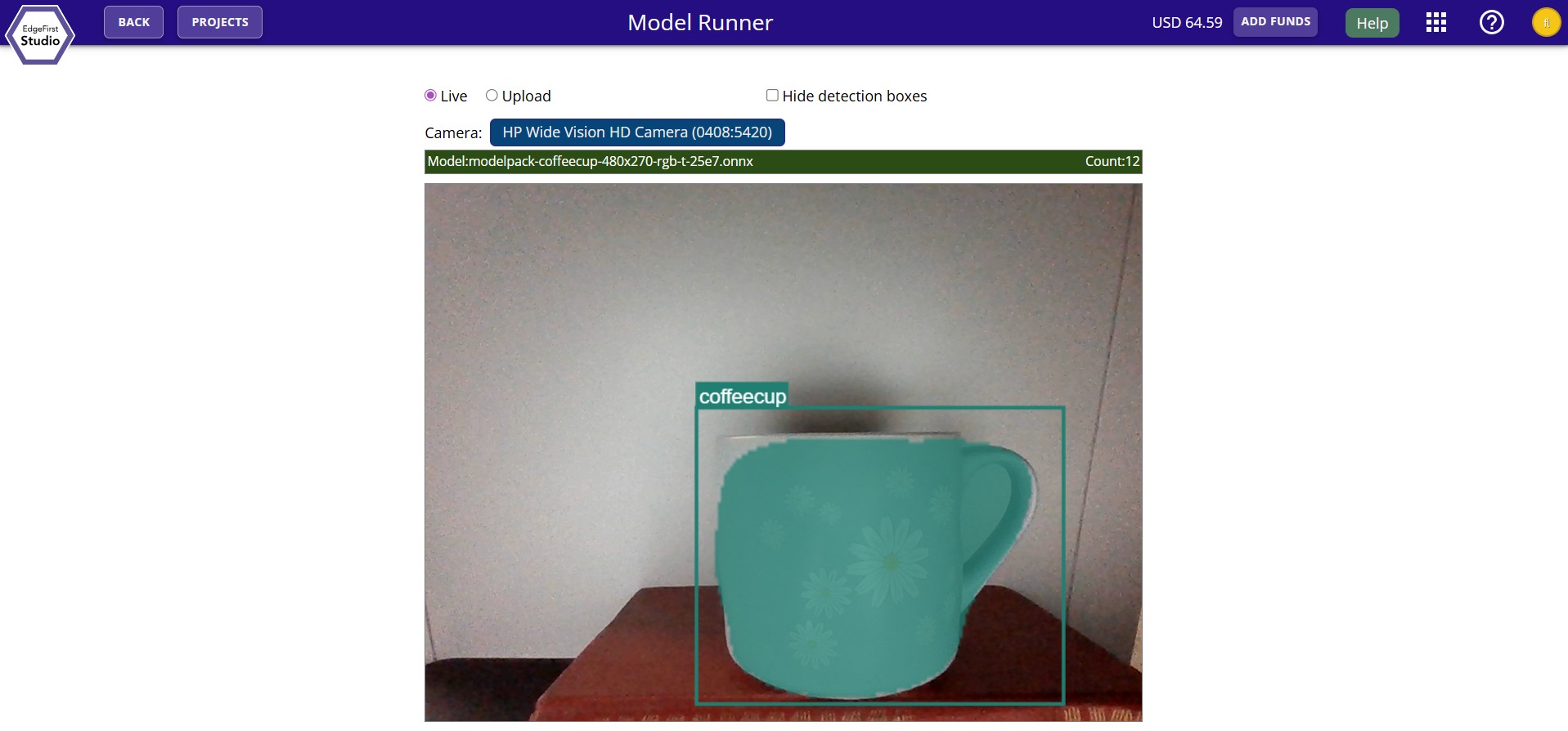
Image Inference
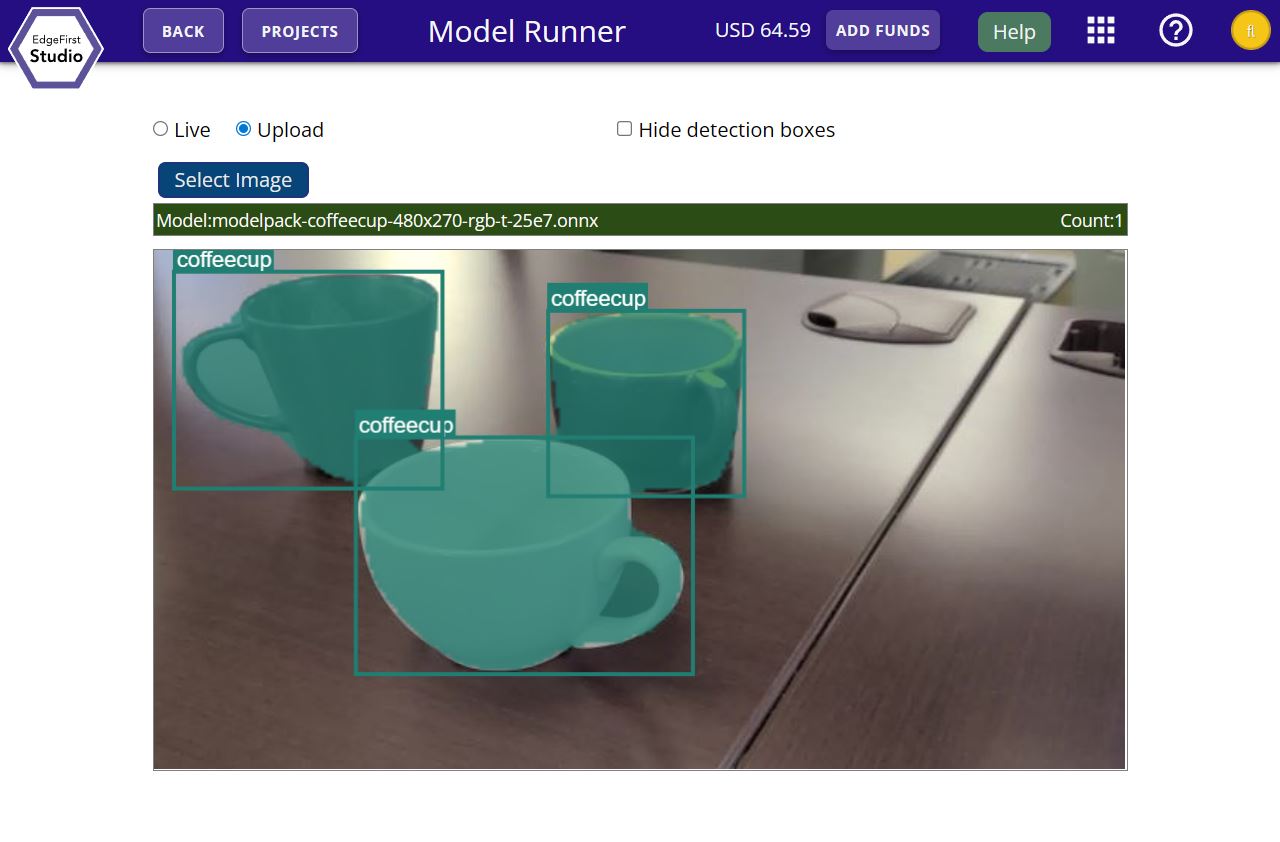
Alternatively, you can also select the "Upload" option where you can select any image in your filesystem to pass to the model for inference.
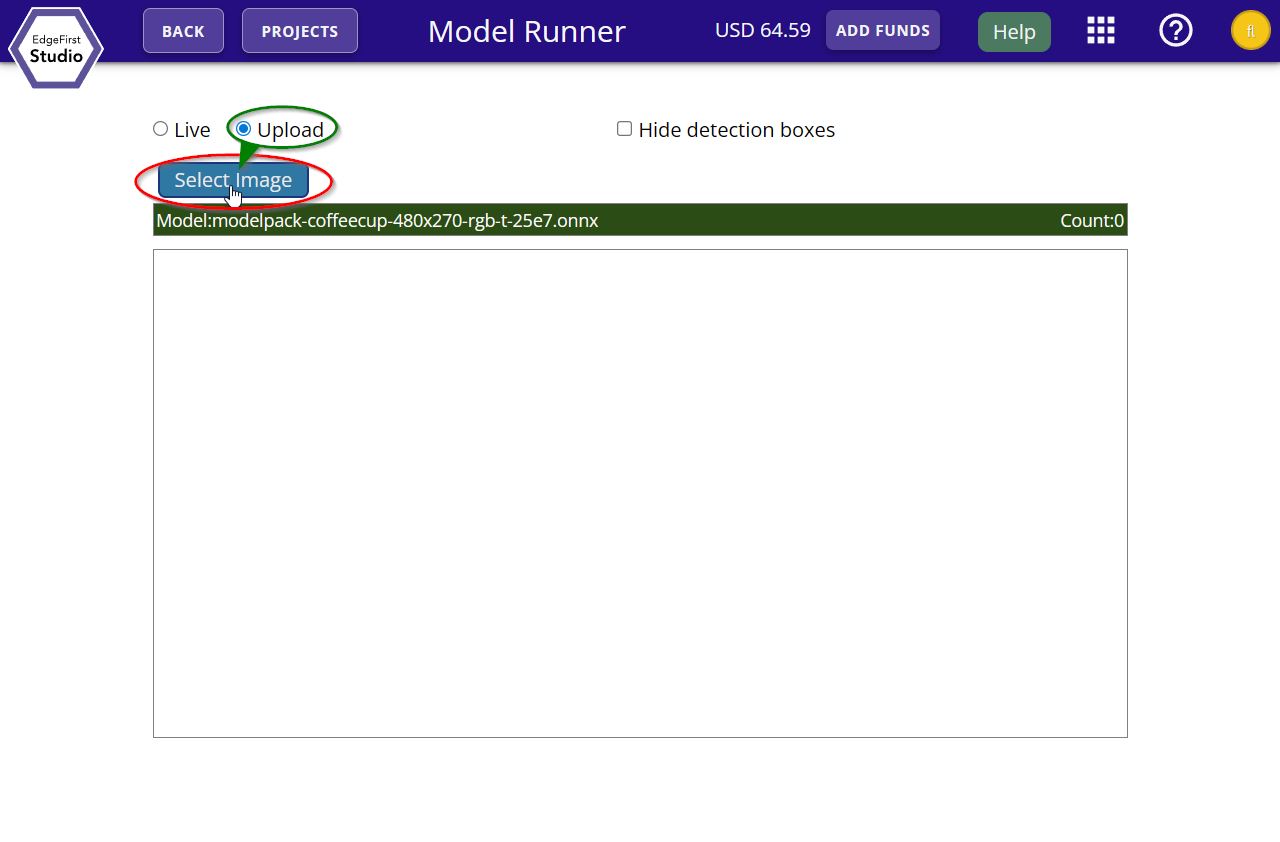
Select an image from the filesystem to run inference.
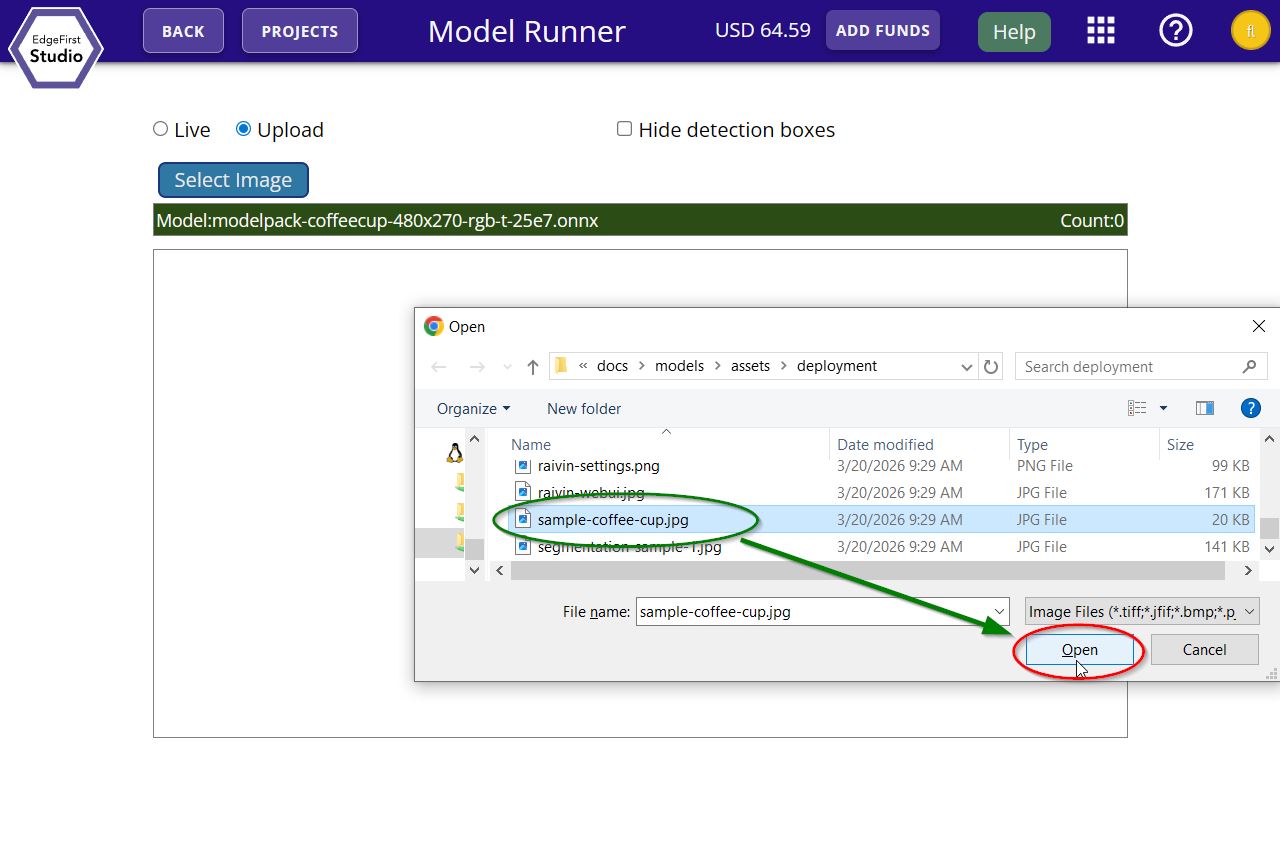
You should now see the image with the model inference displayed in EdgeFirst Studio.