Configuration
Each service in the Maivin and Raivin platforms has its own configuration. This section describes the various settings pages and what they do. The root Settings Page can be reached by clicking the rightmost gear icon on the top ribbon of any page of the Maivin or Raivin web-interface.
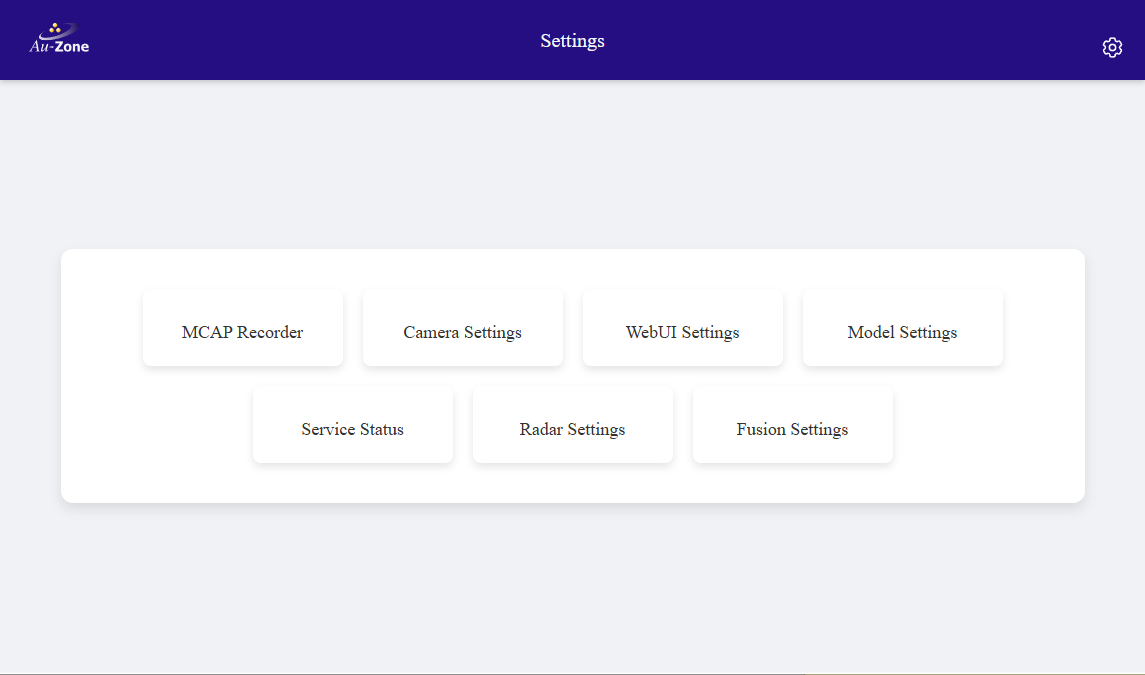
Every settings page has a "Save Configuration" button at the bottom of the page. If you make changes, click this button to save them.

As well, each settings page will have a corresponding configuration file located in /etc/default/ on the device. These can be edited with the vi text editor, for example, the sudo vi /etc/default/camera command will edit the configuration file for the camera service.
Warning
It is not recommended for users to manually edit the configuration files in /etc/default.
Restore Default Settings
You can restore default factory settings of the Maivin/Raivin with this command sudo cp -a /usr/etc/default/. /etc/default/
Services
On Maivin and Raivin devices, system services are managed by systemd. This means all core components—such as model execution, data pipelines, and supporting processes—run as systemd services in the background.
| Service | Description |
|---|---|
| camera.service | Maivin/Raivin Camera Service |
| imu.service | Maivin/Raivin IMU Service |
| model.service | Maivin/Raivin Model Service |
| navsat.service | Maivin/Raivin NavSat Service |
| recorder.service | Maivin/Raivin MCAP Recorder Service |
| webui.service | Maivin/Raivin Web UI Server |
| zenohd.service | running Zenoh Message Router |
Using systemctl, you can control how these services run, whether they start automatically on boot, and inspect their current state.
Controllable in the Web UI
These commands can be controlled through the Maivin's Web UI.
-
Stop a service:
sudo systemctl stop <service> -
Start a service:
sudo systemctl start <service> -
Enable a service at boot:
sudo systemctl enable <service> -
Disable a service at boot:
sudo systemctl disable <service> -
Restart a service:
sudo systemctl restart <service> -
See list of available services on device:
systemctl list-unit-files --type=service -
Disable Maivin-specific services (unloaded system):
sudo systemctl set-default multi-user.target
To view logs and timing information for a service journalctl -u <service>.