Audit Dataset
After the annotation process, review each individual frame or image in the dataset that was auto-annotated. This step is also known as the audit process which is crucial in verifying that the dataset has been properly annotated and ready for training.
To view the dataset and the annotations, click on the image preview of the gallery.
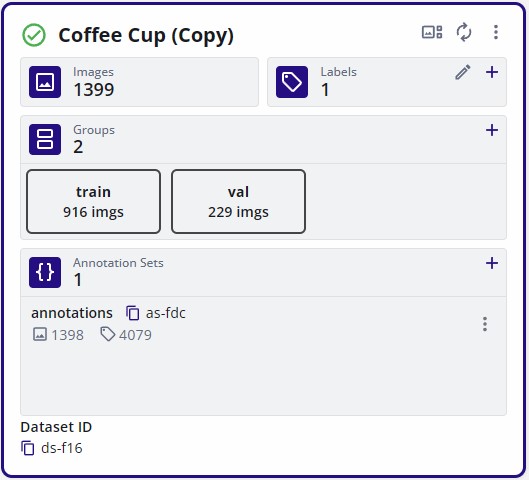
The auditing step may require adding new annotations for objects that were missed during the AGTG process. Or it may require removing annotations for objects that were improperly annotated. Lastly, for annotations that require minor adjustments, EdgeFirst Studio has the features for adjusting annotations. Please click on the links as provided for further instructions on each of these features.
Once you have audited the dataset and verified that it's properly annotated, split the dataset into training and validation groups.